
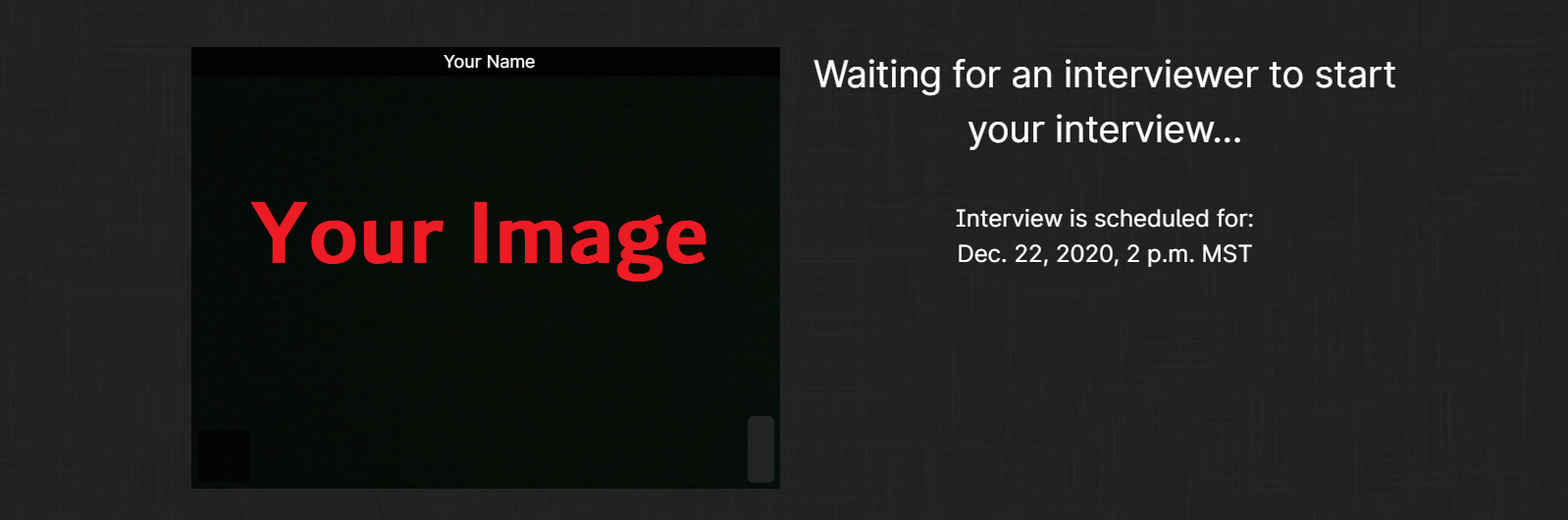
If you cannot hear the interviewer and your screen looks like the image below, it means the interviewer has not started the interview yet. Once he initiates the interview, you will be able to see and hear him.
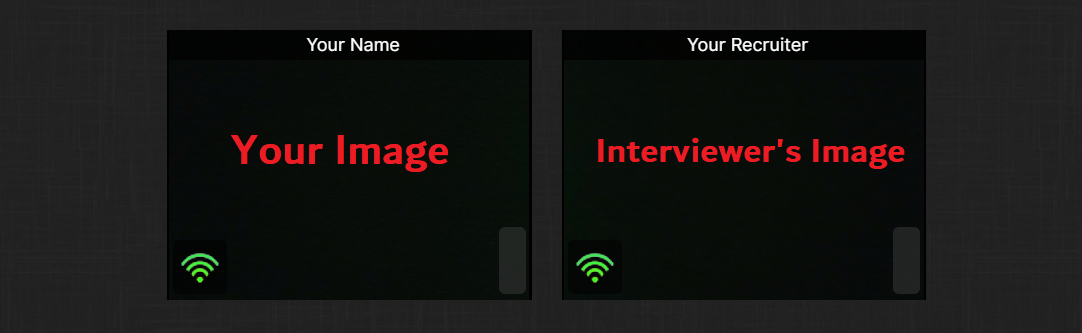
When the interviewer has initiated the interview, the screen should appear as in the image below:
If this page appears and you can't hear your voice or your interviewer's voice, do the following:
- Be sure to close any programs that might be using your mic, e.g. Skype, FaceTime, etc.
- Refresh the page. This will allow you to access maintenance again and will help you resolve potential problems with your connection, browser or computer.
- Make sure your speakers are using the correct default device. Check the settings: Sound and speaker settings (Windows) or Sound and speaker settings (Mac / Apple) .
- Check the microphone settings to make sure the microphone is working properly: Microphone settings (Windows) or Microphone settings (Mac / Apple)