
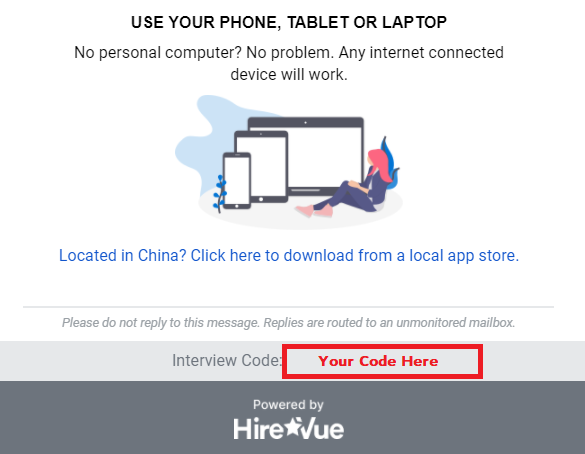
To check the status of your interview, you need to check your invitation email. Open it, then click on the maintenance code at the bottom of the email.
Note: The service code will be different from the picture, as it is a unique code created specifically for your service.
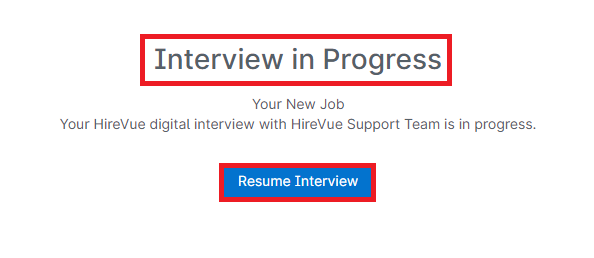
If the message Service not sent appears, it means your service has not been completed. Select Open Maintenance Setup to complete it.
If the Service Received message appears, your service is complete.

Once the interview is complete, the company you applied to will review it and contact you to inform you about the next steps in the recruitment process. HireVue does not play a role in the recruitment process once the interview is over.