
If the Camera and microphone access required error is displayed during the interview, it means HireVue cannot access your camera and microphone.
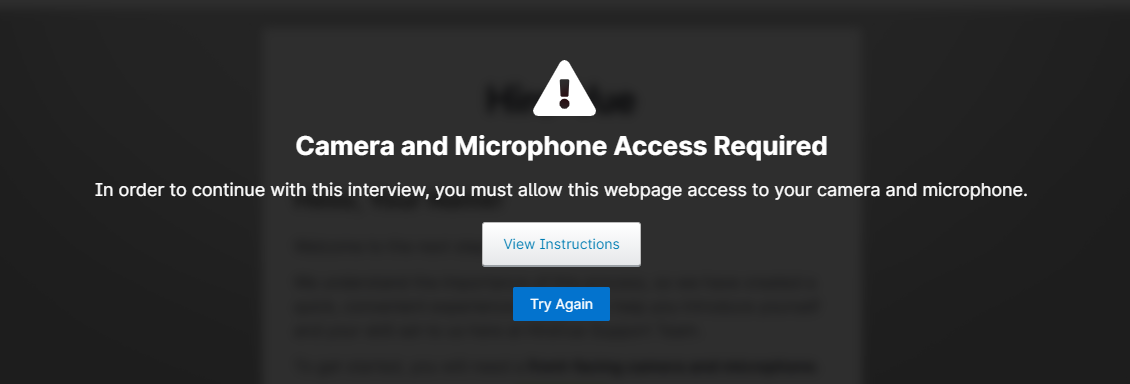
Follow these steps to authorize HireVue to access your camera and microphone:
- In the address bar at the top of the page, click the camera icon with an X located in the top right corner .

- In the new window, select the option Always allow [web address] to access your camera and microphone .
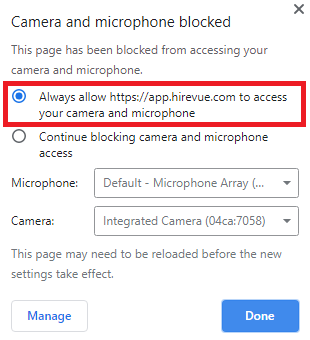
Note: The web address will not be the same as in the screenshot, as long as you have a unique web address for your interview.
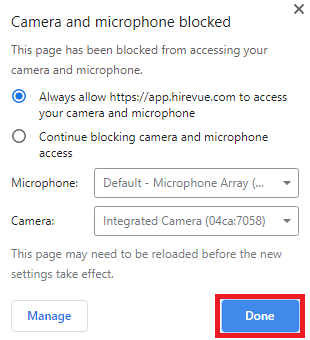
- Click on Done .
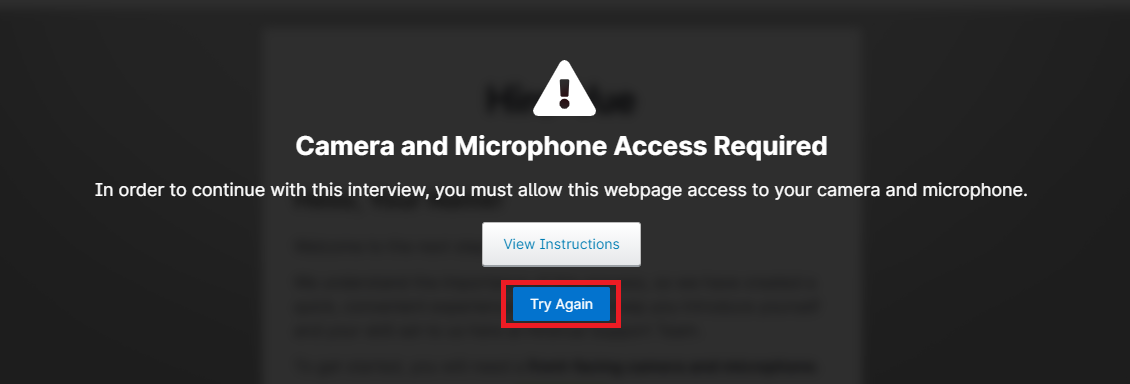
- In the Camera and microphone access required error message , click Retry .
If you still have problems accessing maintenance, try again using a different browser. You can also take the interview on a mobile device. Click the following link for our guide to using a mobile device to take the interview: How to use a mobile device to take the interview .